

INSIGHTS
Insights
Practical guides and perspectives to help you make informed technology decisions.
Latest insights
INSIGHTS
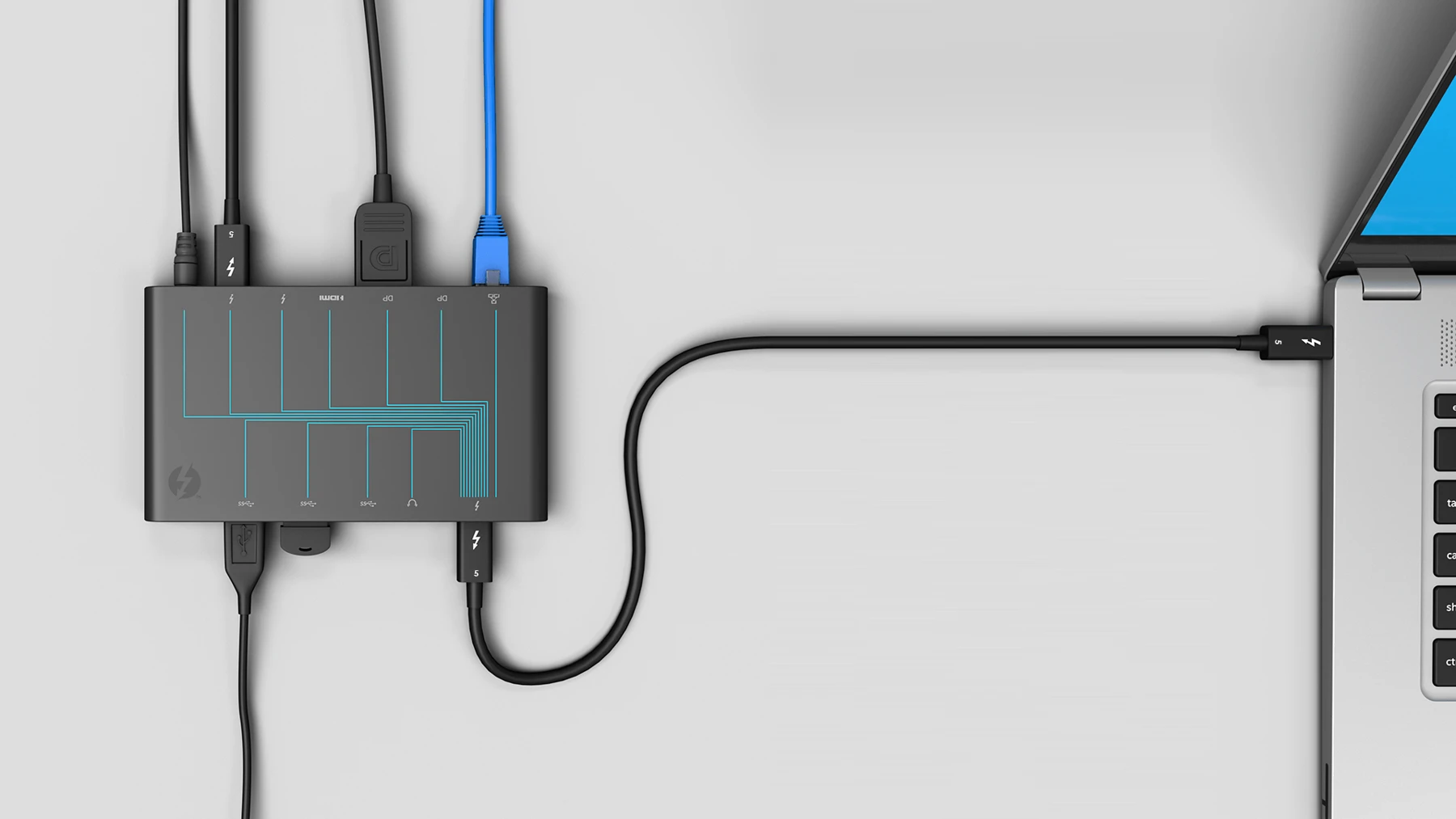
Thunderbolt 5: when the connection becomes the bottleneck
High-resolution displays and fast external storage can compete for the same laptop connection. Thunderbolt 5 adds capacity, but its value starts with the workload at the desk.
Read technology spotlight
INSIGHTS
AMD PRO: what matters beyond processor performance
Processor performance is only one part of a business PC decision. Manageability, hardware-backed security and lifecycle support affect the work IT will do after deployment.
Read technology spotlight
INSIGHTS
RTX PRO Blackwell: match GPU memory to the workload
For professional graphics and AI tasks, the limiting factor can be whether the working data fits into GPU memory. A useful workstation specification starts there.
Read technology spotlight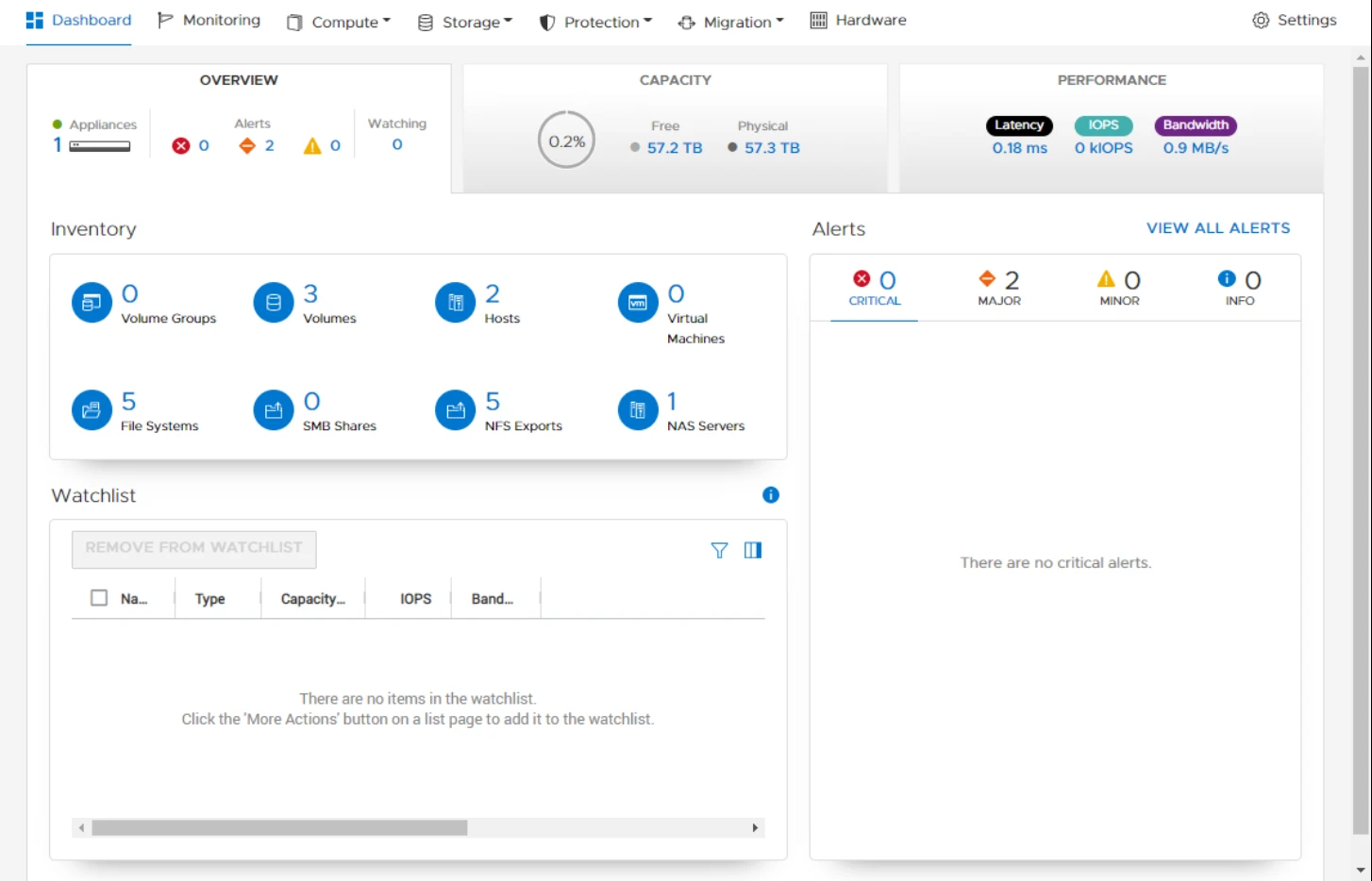
INSIGHTS
PowerStore: capacity planning needs more than a headline reduction ratio
Compression and deduplication can change the economics of flash storage. The purchasing decision still needs to account for the data, performance and growth behind the estimate.
Read technology spotlight
INSIGHTS
HP Wolf Security: contain the risky task at the endpoint
An unfamiliar attachment or website can be part of an ordinary working day. Application isolation offers a way to limit what that interaction can reach.
Read technology spotlight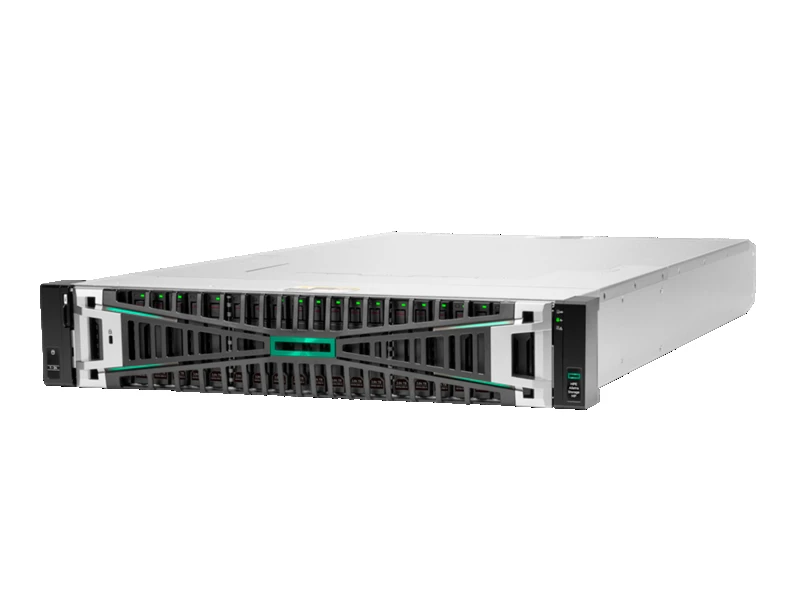
INSIGHTS
HPE Alletra Storage MP: plan for changing workloads
Storage capacity and application demand do not always grow at the same rate. A disaggregated architecture gives infrastructure teams another way to plan expansion.
Read technology spotlight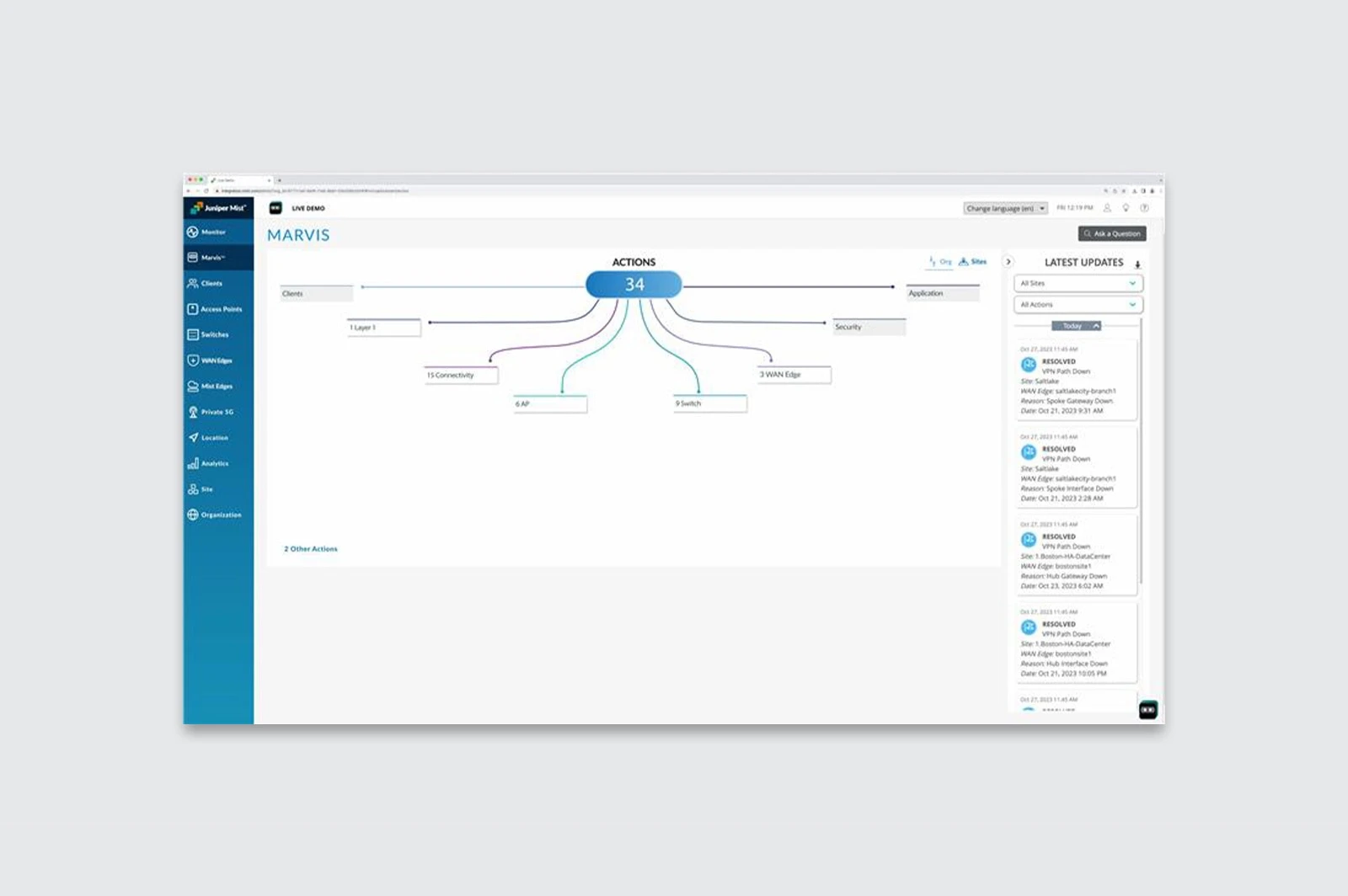
INSIGHTS
Marvis AI: shorten the route from a network complaint to evidence
“The Wi-Fi is slow” is a symptom, not a diagnosis. AI-assisted network tools can give IT teams more context before they start changing settings.
Read technology spotlight
INSIGHTS
Windows 365: decide where the desktop should live
A Cloud PC separates the Windows working environment from the device used to reach it. That creates options for access and deployment, with a different set of dependencies.
Read technology spotlight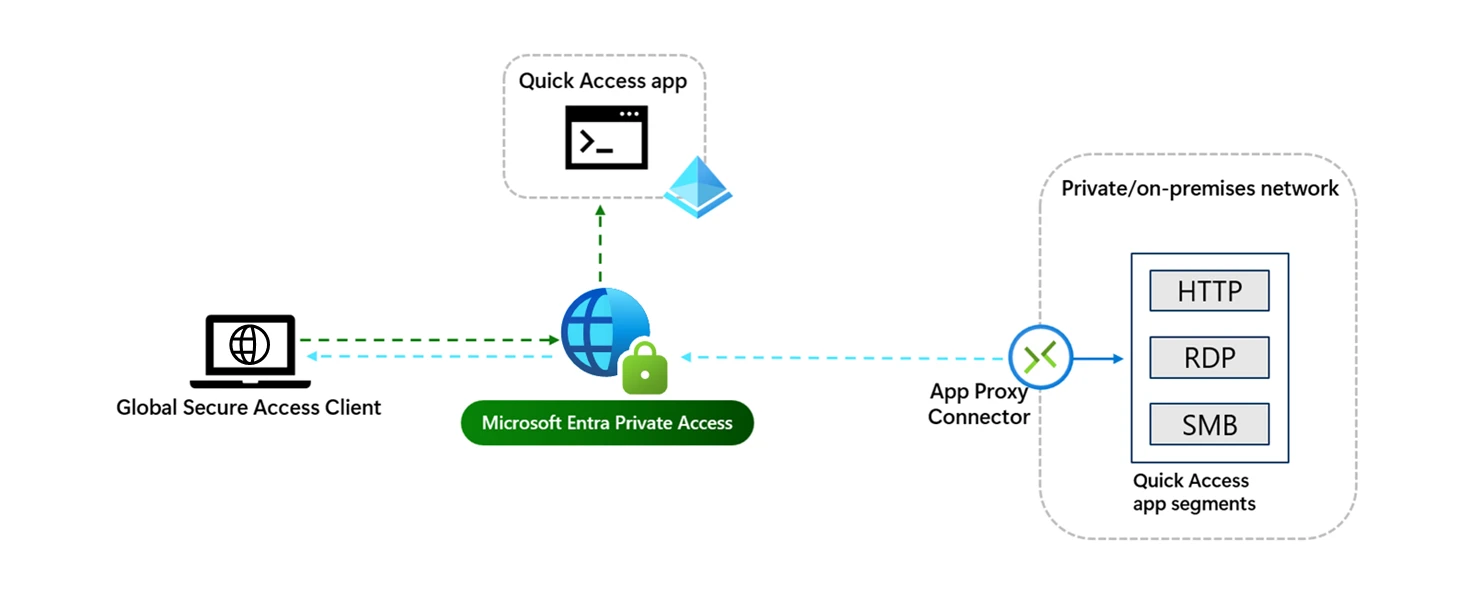
INSIGHTS
Entra Private Access: control access by application
Remote access often begins with a network connection. Identity-based application access offers a more focused way to decide who can reach a private resource.
Read technology spotlight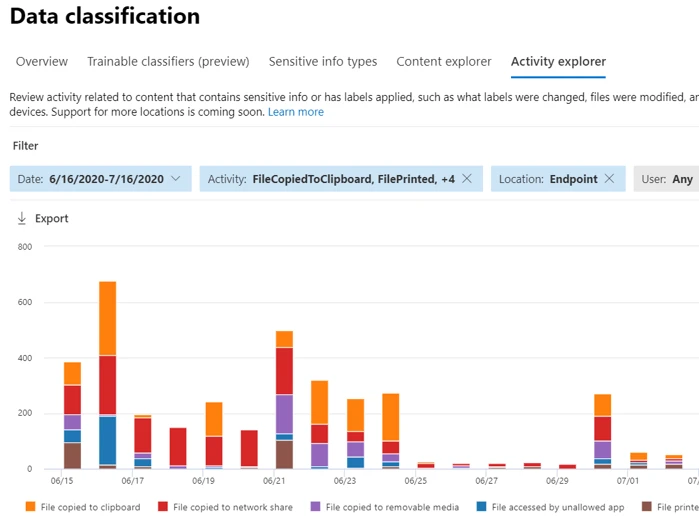
INSIGHTS
Purview DLP: put the policy where the information moves
Sensitive information leaves an application through everyday actions: sharing, copying, printing or uploading. Data loss prevention needs to address those working patterns without making legitimate work impractical.
Read technology spotlightJoin the conversation.
Explore our event archive for technology discussions, webinar topics and recaps.
Explore events