

TECHNOLOGY SPOTLIGHT
Thunderbolt 5: when the connection becomes the bottleneck
High-resolution displays and fast external storage can compete for the same laptop connection. Thunderbolt 5 adds capacity, but its value starts with the workload at the desk.
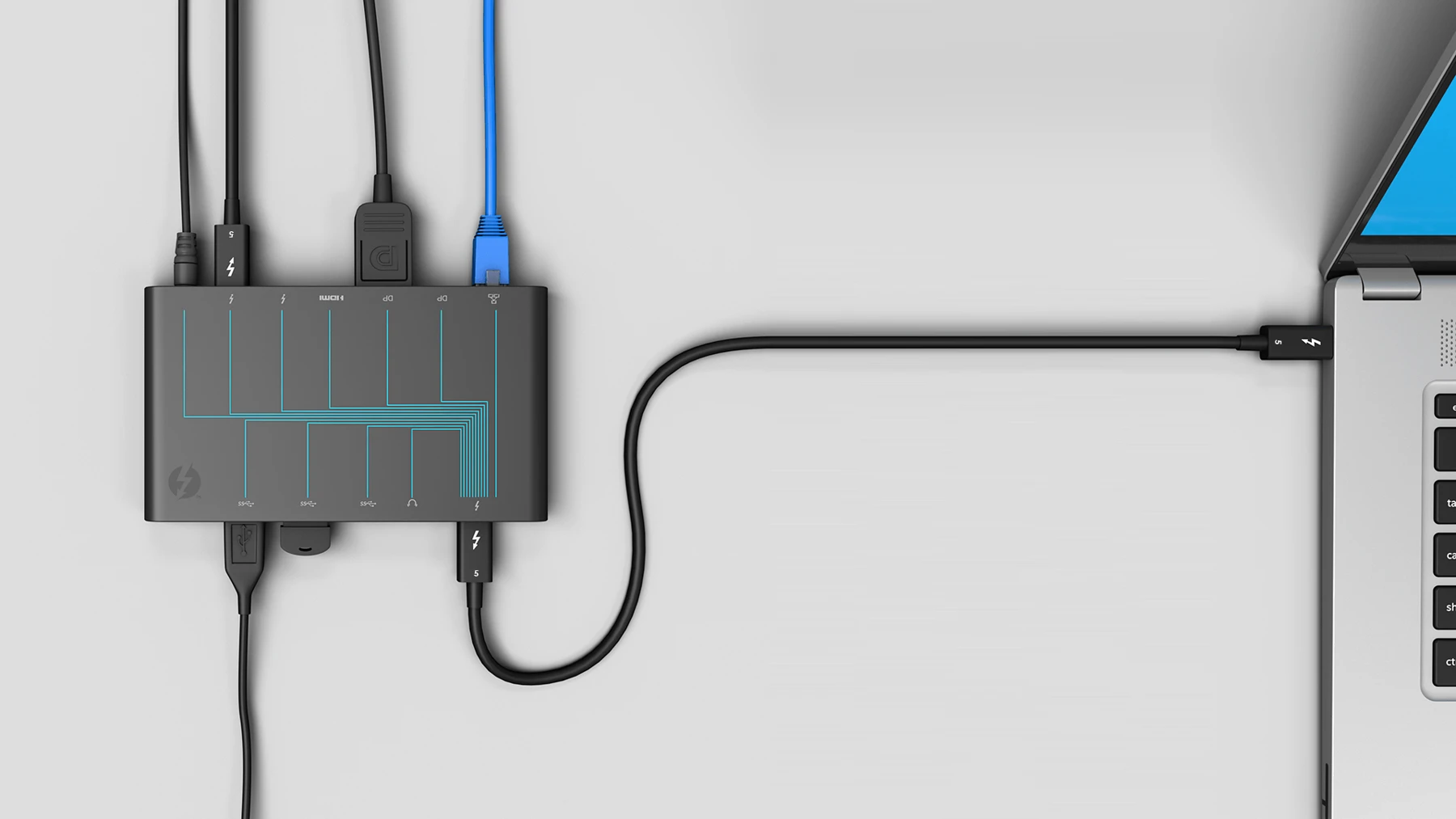
The workstation extends beyond the laptop
A designer moving large assets while using external displays asks more of a dock than someone connecting a keyboard and one screen. The connection between laptop and desk can become part of the performance requirement.
Thunderbolt 5 offers 80 Gbps bidirectional bandwidth, with a bandwidth boost mode providing up to 120 Gbps in one direction for display-intensive use. These are link capabilities, not promised file-transfer speeds.
Specify the complete chain
The laptop port, cable, dock, display and storage device all influence the result. A Thunderbolt 5 dock cannot upgrade the capabilities of an older laptop port. Confirm supported display combinations, available charging and operating-system requirements for the actual configuration.
For a new workspace, specify the connection standard alongside the screens and applications. For existing workspaces, identify the users whose workloads would benefit before replacing accessories across the organisation.
Make the investment measurable
Test a representative task: transfer an asset, run the expected displays and connect the peripherals together. Record whether the proposed setup removes a real constraint and whether the cable and power arrangement is practical for daily use.
Fortem can supply compatible laptops, docks and accessories as a defined workspace specification. Include the display requirements, applications and external devices in your enquiry so the quotation covers a working combination.