

TECHNOLOGY SPOTLIGHT
Marvis AI: shorten the route from a network complaint to evidence
“The Wi-Fi is slow” is a symptom, not a diagnosis. AI-assisted network tools can give IT teams more context before they start changing settings.
Start with the user experience
A connectivity complaint can involve a client, radio conditions, authentication, switching or an upstream service. Moving between separate tools can make it harder to establish where the problem began.
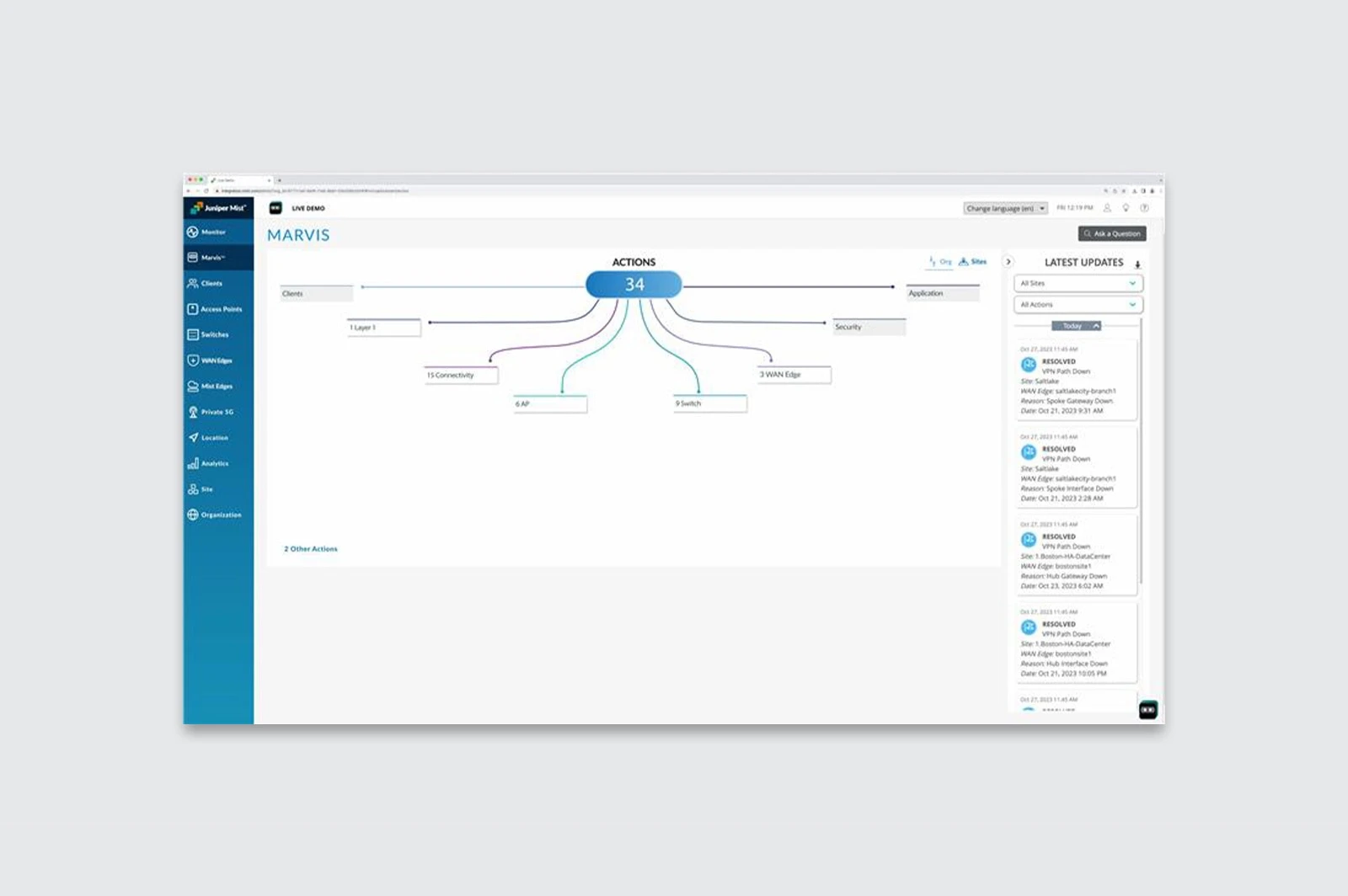
Marvis AI provides an AI-assisted interface for supported Juniper networking environments. Its conversational capabilities let administrators ask questions about network behaviour and use the available telemetry to investigate.
Evidence needs coverage
The quality and scope of the answer depend on the systems reporting data and the services licensed. Confirm which wired, wireless or WAN components are covered in the proposed design and which remain outside it.
Recommendations still need operational judgement. Agree which actions may be automated, which require approval and how a change can be reversed. Access to management information and the cloud service also needs appropriate controls.
Test the investigation process
For a new network, include assurance and troubleshooting requirements in the design. For an existing environment, test representative incidents and compare the investigation process with the current approach.
Fortem can scope the network hardware, subscriptions and delivery requirements. Bring site information, service priorities and common support cases so the proposal addresses the work your team needs to do.