

TECHNOLOGY SPOTLIGHT
RTX PRO Blackwell: match GPU memory to the workload
For professional graphics and AI tasks, the limiting factor can be whether the working data fits into GPU memory. A useful workstation specification starts there.
Capacity changes what is practical
A large scene, simulation or model can place different demands on a workstation from an ordinary desktop application. Running out of GPU memory may mean reducing the job size, changing the workflow or using shared infrastructure.
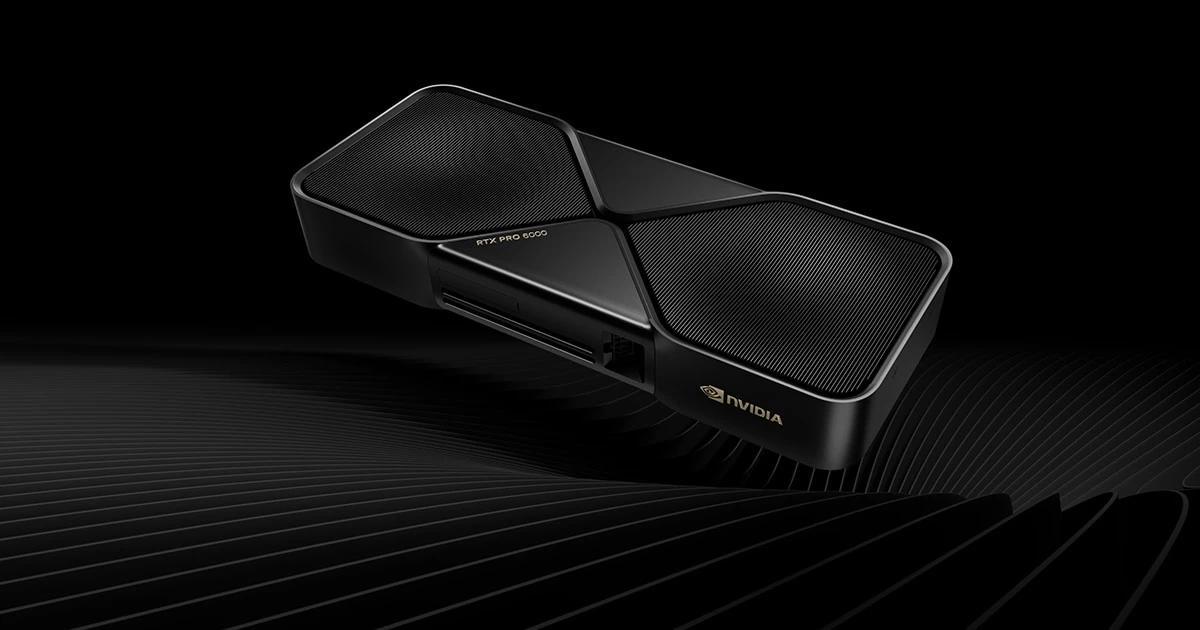
NVIDIA’s RTX PRO 6000 Blackwell Workstation Edition combines professional graphics and compute capabilities with 96 GB of GPU memory. That capacity is relevant only in the context of the software, data and tasks being proposed.
The application decides the benefit
Check application support, professional drivers, model precision and licensing. Additional GPU capability will not accelerate every stage of a workflow; storage, CPU performance and system memory may remain limiting factors.
Confirm chassis compatibility, power and cooling before treating a GPU as a simple upgrade. A complete workstation may be a more appropriate specification than adding a card to an unsuitable system.
Use a representative workload
Compare the proposed configuration with a real project and record completion time, stability and the quality of the result. Include the workflow around the task, such as loading assets and sharing outputs.
Fortem can source professional workstations and specify the GPU, memory, storage and support together. Share application versions and representative workload requirements so the proposal is grounded in the work your team needs to deliver.